

Plenty of tablets look brilliant on a launch stage and then spend their lives streaming video on a sofa. The Samsung Galaxy Tab S12 Ultra is built to argue with that habit. It has a 14.6-inch screen, a 3nm MediaTek Dimensity 9500, an S Pen in the box and Adobe Photoshop pre-loaded, and in Malaysia it starts at RM5,999 for the Wi-Fi 256GB model.
Our team has had one on the desk, with and without the Pro Keyboard attached. This review covers the tablet itself; our separate Pro Keyboard review covers the RM1,599 keyboard deck. Figures that come from Samsung are labelled as Samsung's.
Contents
The short version
- Big and thin: a 14.6-inch Dynamic AMOLED 2X screen in a body Samsung rates at 5.1mm.
- New chip: the 3nm Dimensity 9500, with Samsung claiming gains over the Tab S11 Ultra.
- Complete kit: S Pen included, Android 17 with One UI 9 and Galaxy AI, and up to seven years of updates promised.
- Price: RM5,999 for Wi-Fi, RM6,649 for 5G, with a launch offer that ends on 8 Nov 2026.
- The catch: it is a tablet first. The laptop part needs a keyboard, and the Pro Keyboard is RM1,599 on top.
Specs at a glance
| Galaxy Tab S12 Ultra | |
|---|---|
| Display | 14.6-inch Dynamic AMOLED 2X, 2960 x 1848, 120Hz |
| Peak brightness | 1,600 nits (Samsung) |
| Chip | 3nm MediaTek Dimensity 9500 |
| Samsung's claimed gains vs Tab S11 Ultra | NPU 61% faster, CPU 19% faster, graphics 17% better |
| Cooling | Redesigned 3D vapour chamber |
| Thickness | 5.1mm (Samsung) |
| Durability | IP68 |
| Battery | Rated up to 23 hours by Samsung |
| Charging | 45W, flat to full in about 95 minutes (Samsung) |
| In the box | S Pen |
| Software | Android 17, One UI 9, Galaxy AI |
| Updates | Up to seven years of OS upgrades and security updates |
| Audio | Quad speakers, 4-channel spatial audio |
| Colours | Gray, Silver |
| Malaysia price | Wi-Fi 256GB RM5,999, 5G 256GB RM6,649 |
| On sale | From 7 Oct 2026 |
Design: a very large, very thin slab
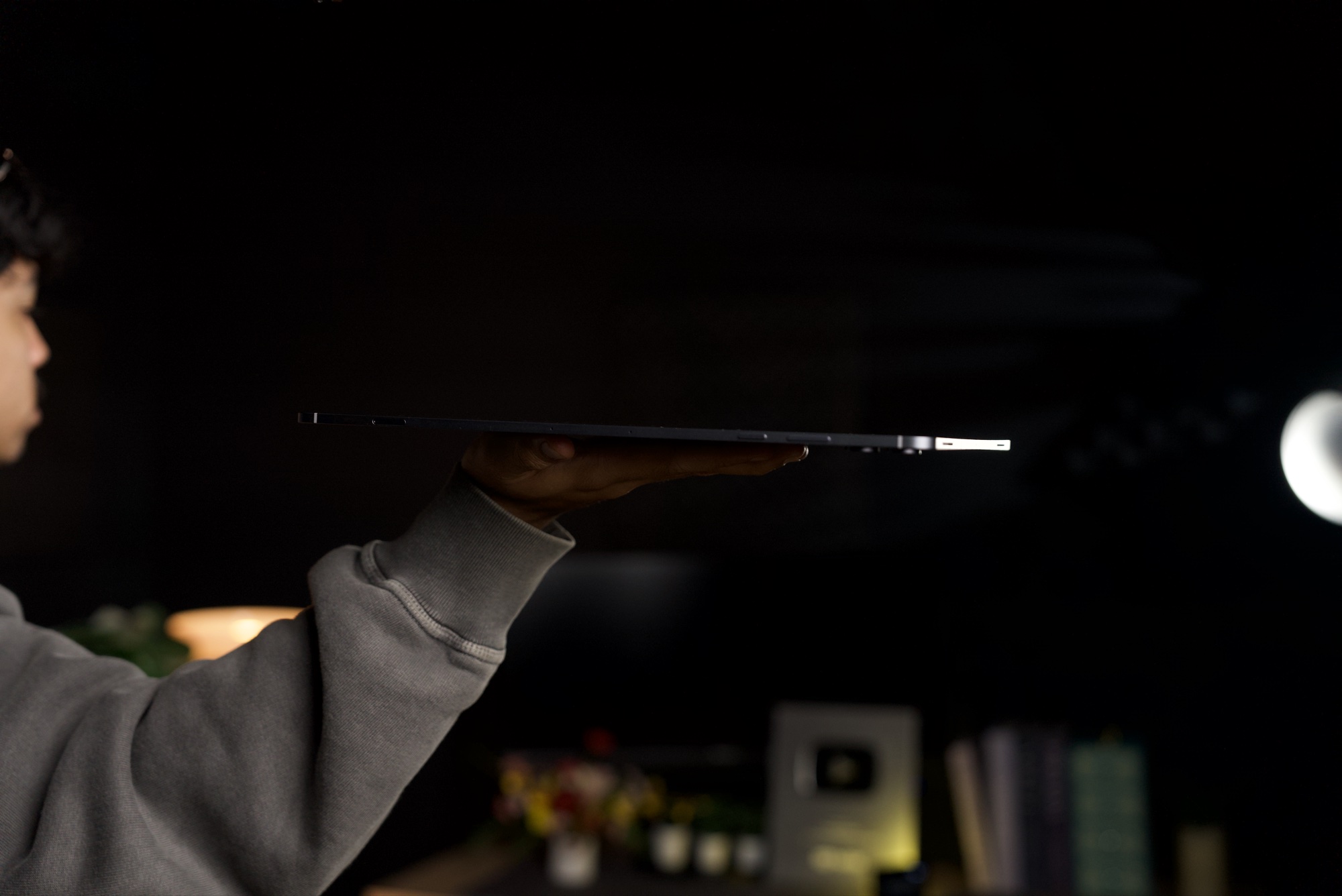
Samsung calls the Tab S12 Ultra its thinnest Galaxy Tab so far, at 5.1mm. Our side-on photo shows why that line gets repeated: held flat on one hand, the tablet reads as little more than a thin line.
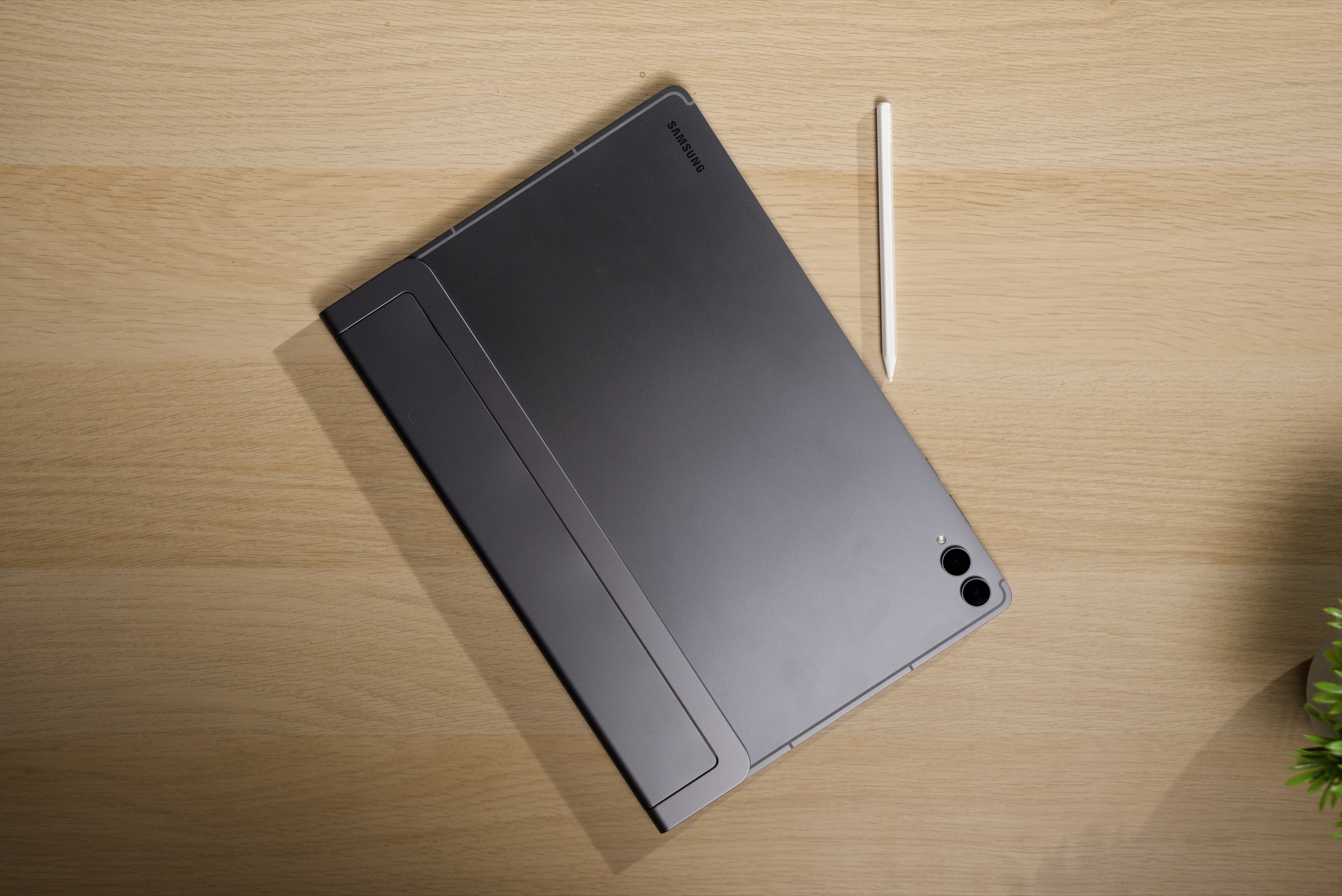
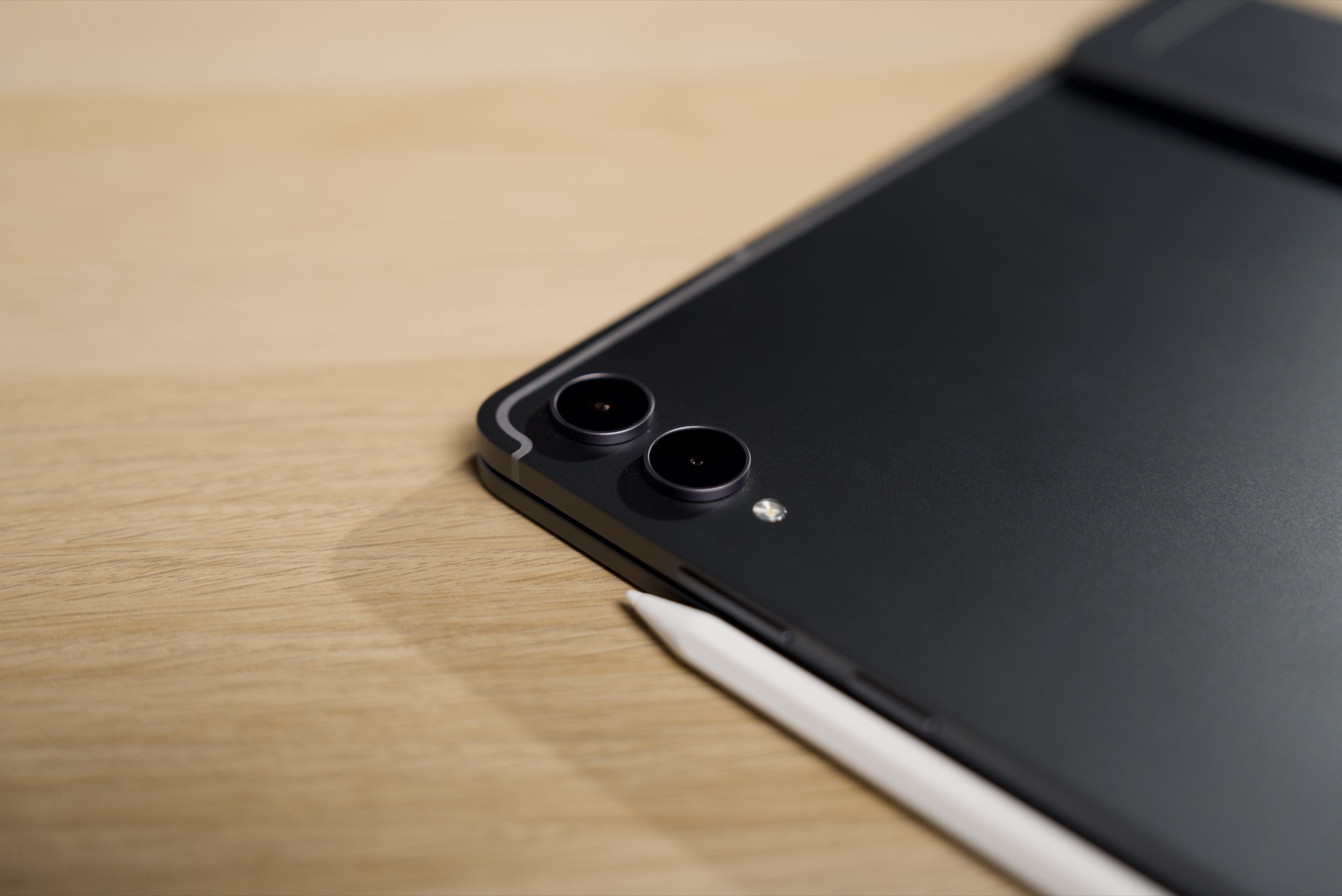
Turn it over and the back carries a Samsung logo and two rear cameras. Samsung sells the tablet in Gray and Silver, and lists an IP68 rating. In several of our shots the S Pen, which attaches magnetically, sits along the edge.
Display: where the money goes
The 14.6-inch Dynamic AMOLED 2X panel runs at 2960 x 1848 and 120Hz, and Samsung quotes a 1,600-nit peak. For comparison, the smaller Tab S12+ has a 12.6-inch screen at 2800 x 1752.
Specs on a page do not tell you how a screen behaves in a bright room, and our photos here were shot indoors. We will add how it holds up in daylight to this review.
Performance and Galaxy AI
Inside is the 3nm Dimensity 9500. Samsung says that against the Tab S11 Ultra it brings a 61% faster NPU for AI work, a 19% faster CPU and 17% better graphics, helped by a redesigned 3D vapour chamber. Those are comparisons with Samsung's own previous model, so read them as generational progress rather than a verdict on how it stacks up against everything else.
The software side is where Samsung is leaning hardest. The tablet runs Android 17 with One UI 9 and Galaxy AI. Samsung says you can run up to three apps side by side, which is the kind of feature a 14.6-inch panel is there for.
Pen, Photoshop and the creative pitch
An S Pen comes in the box, and it is magnetic, so it stays on the tablet's edge when you are not using it.
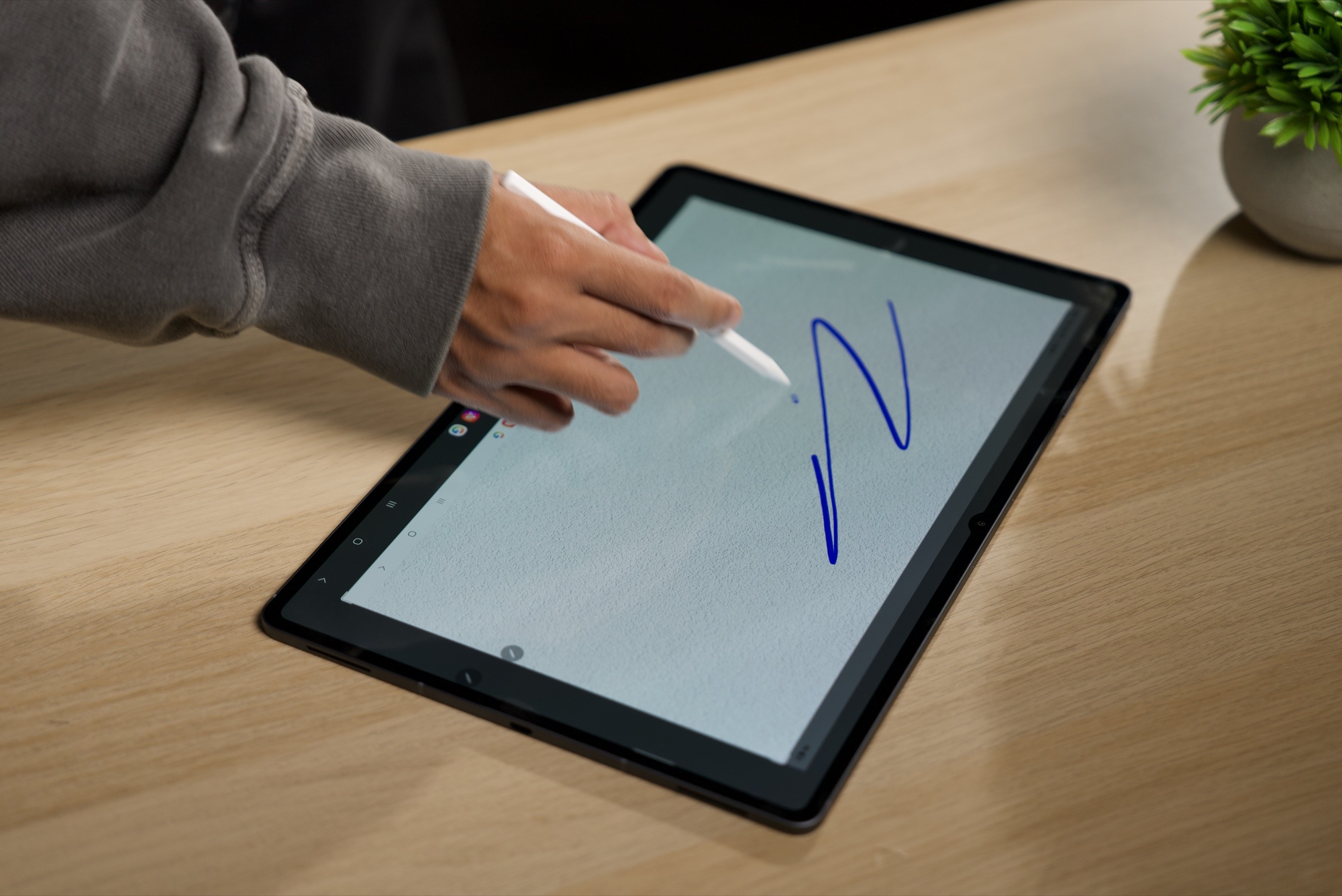
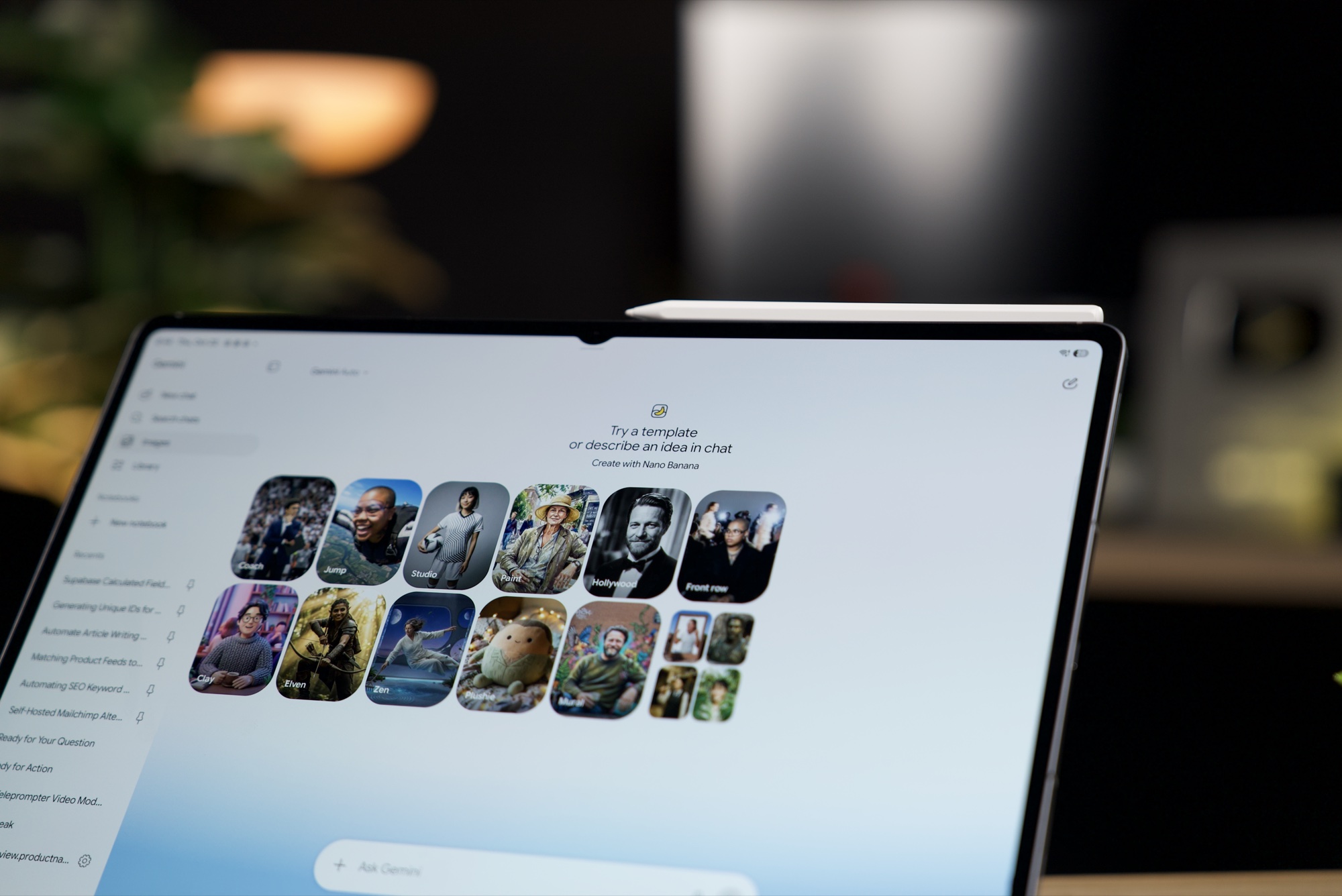
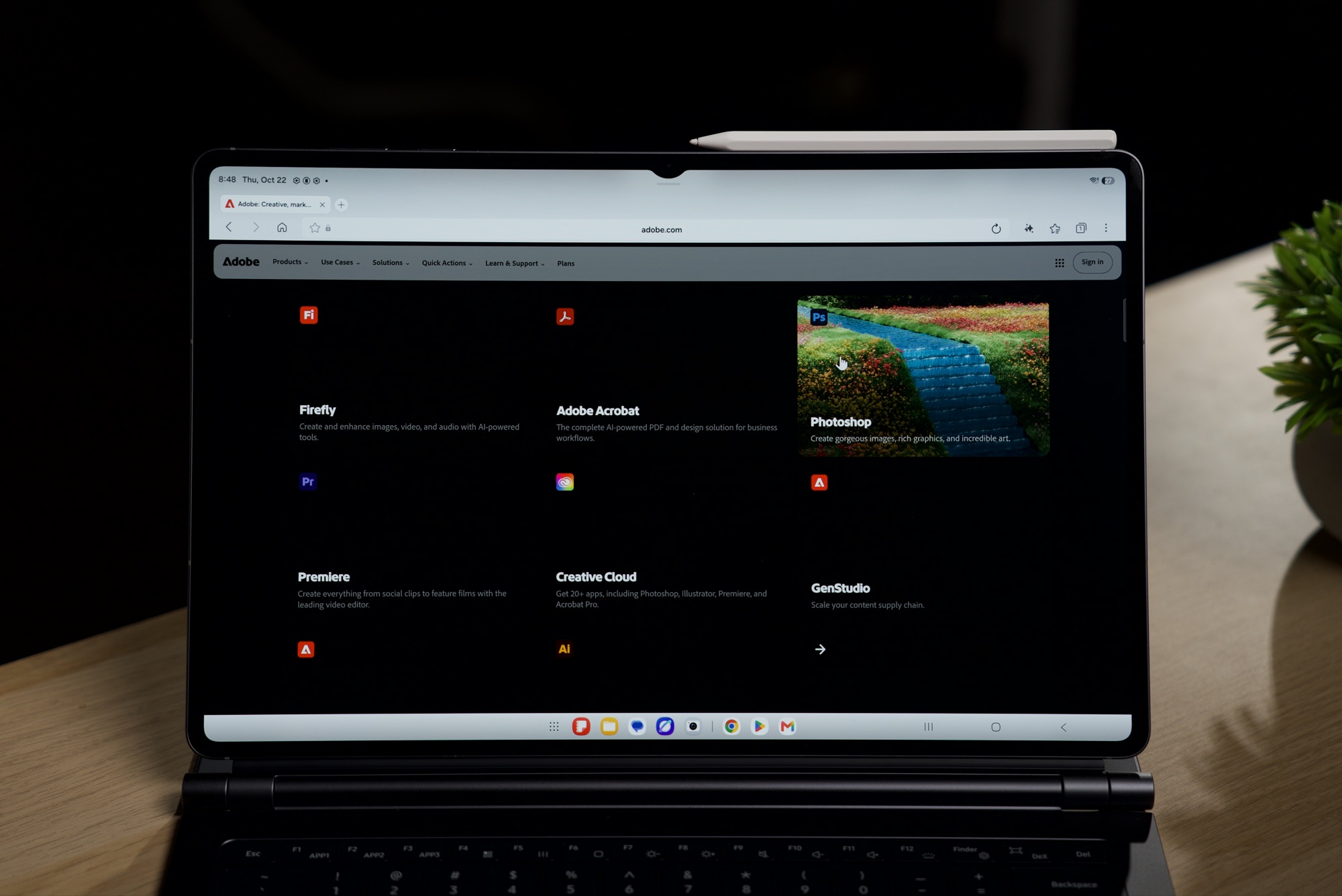
Samsung pre-loads Adobe Photoshop and says it is a first for an Android tablet. It also bundles six months of Google AI Pro, which covers Gemini and Gemini Notebook, free-access periods for Notability and Goodnotes, and trials of LumaFusion, Notion and Clip Studio Paint. The screen below is Gemini's image template page.
Battery and charging
Samsung rates the Ultra at up to 23 hours (21 hours for the S12+) and quotes 45W charging, flat to full in about 95 minutes. A rating is not a result, and Samsung's figure says little about a day of mixed use with the screen at a comfortable brightness. We are running the tablet through full working days and will add our battery result here.
With a keyboard, it looks like a laptop
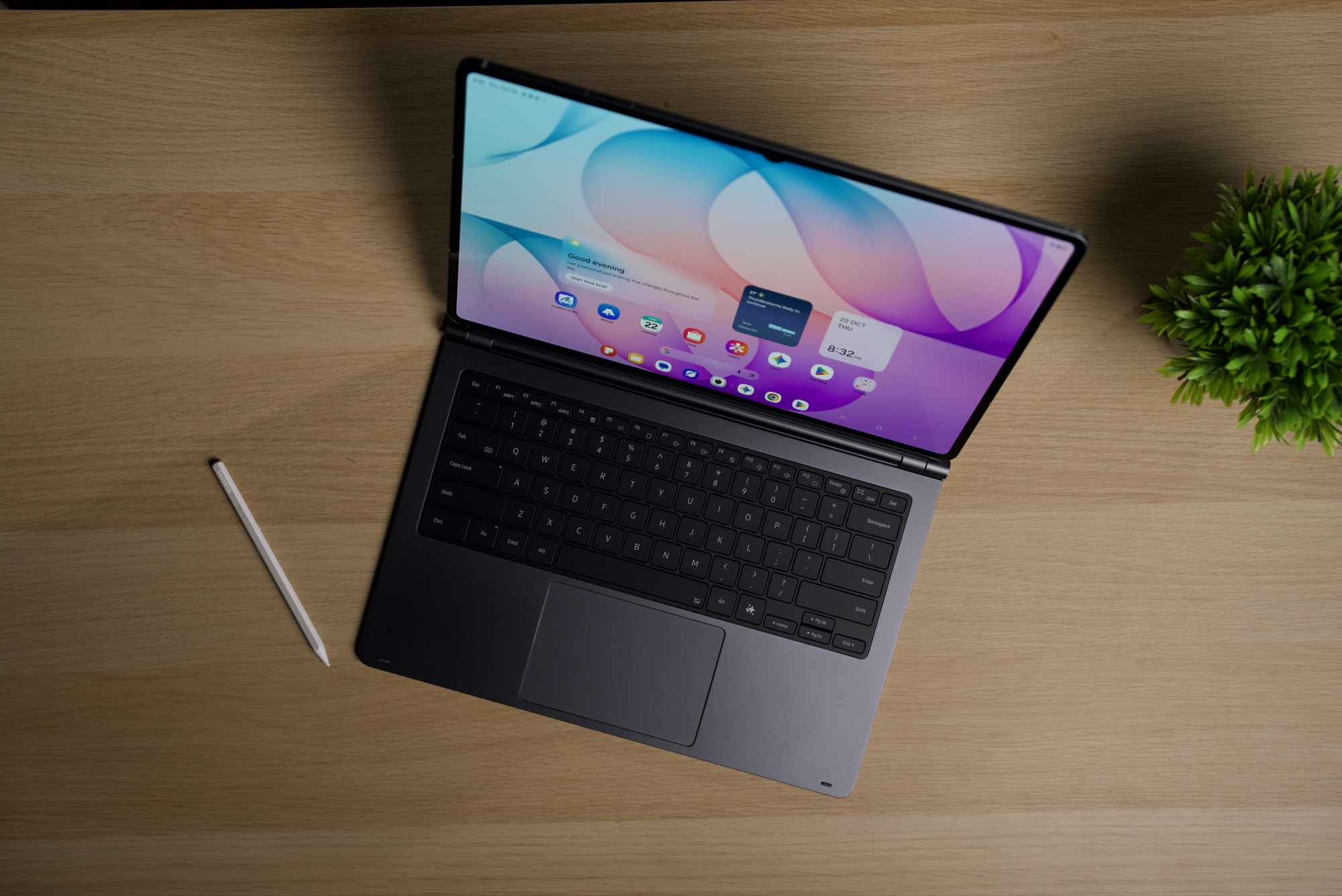
Samsung is clearly designing this tablet around a keyboard. Both the launch and the education offers include a Book Cover Keyboard (the education offer a Slim version), and there is the separate Pro Keyboard at RM1,599. With a keyboard attached, the setup in our photos looks like a laptop.
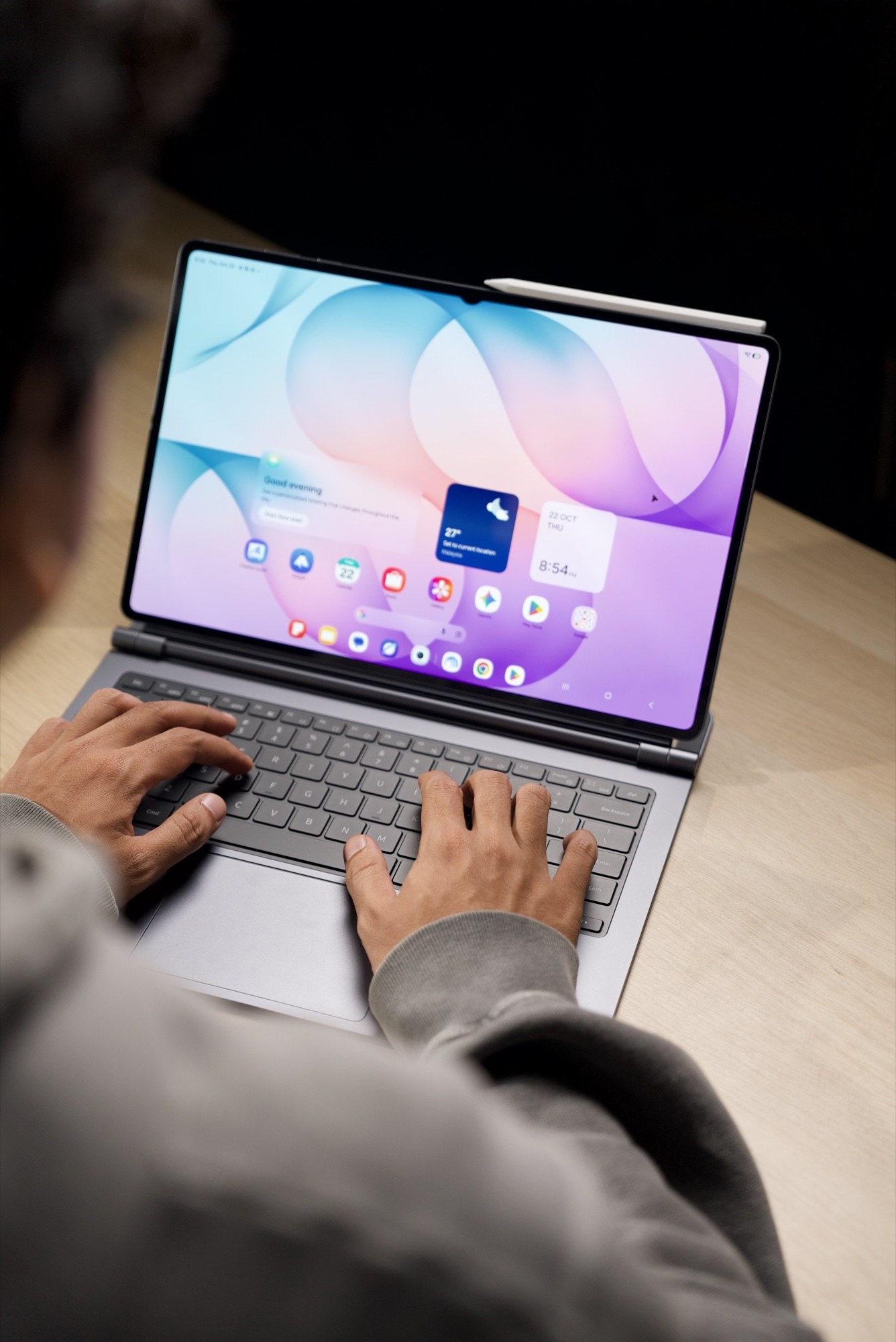
Whether Android and Samsung's DeX desktop mode can replace a laptop is a software question, and the answer will depend on the work you do. We take the keyboard apart properly in our Pro Keyboard review.
Price and offers
The Tab S12 Ultra is RM5,999 for Wi-Fi 256GB and RM6,649 for 5G 256GB. The Tab S12+ is RM4,999 (Wi-Fi) and RM5,649 (5G). It has been on sale since 7 Oct 2026, and two offers are worth knowing about:
- Launch offer, until 8 Nov 2026: app subscriptions valued at RM1,123.58, Book Cover Keyboard and S Pen accessories worth up to RM1,208, up to RM500 in instant rebates (SPayLater or participating bank cards), and instalments from RM127.75 a month.
- Education offer: at least 20% off with a valid education email, plus a complimentary S Pen and Book Cover Keyboard Slim, through Samsung.com, the Shop app and selected Samsung Experience Stores.
Who should buy it
- Students and educators who qualify for the education offer, since the pen and keyboard come with it.
- Creators who sketch, storyboard or retouch and want a large canvas that moves between desk and sofa.
- People who want a second screen that doubles as a laptop and will actually use a keyboard with it.
- Skip it if you mostly watch video and browse. The Tab S12+ at RM4,999 is RM1,000 cheaper and rates a similar 21 hours of battery, or you may not need a tablet this size at all.
Verdict
The Galaxy Tab S12 Ultra is Samsung making the most complete case yet that a tablet can be a work machine: a big, thin AMOLED screen, a new 3nm chip, the pen in the box, Photoshop pre-loaded, seven years of updates, and a keyboard family to match. At RM5,999 it is laptop money, and it only earns that price if you will use the pen, the screen size and the multitasking, ideally with a keyboard attached. For those buyers, and especially for students who can claim the education offer, it is a strong, well-equipped package. For everyone else, the Tab S12+ does the sofa job for RM1,000 less.



