

Editor
Jodee Tan chevron_right
These days it’s not uncommon to see smartphones dishing out great camera specifications on paper. Under good circumstances, many do well to secure great shots.
But when it comes to consistency and simplicity, the Samsung Galaxy S25 series (Galaxy S25, S25+ and S25 Ultra) is still one of the better smartphones out there that brings in genuinely useful camera features to make everyday photography more enjoyable without sacrificing performance.
The secret lies in its imaging system which is fortified with layers of camera brilliance. There’s a Next Gen ProVisual Engine to produce professional-grade imagery, an AI multi-frame processing system to capture the best shot and lighting, and the Night Mode Intelligent scene recognition feature to ensure images do not come out blurry and grainy.
Here’s how they affect your images.

Nightography: Well-Lit Images Every.Single.Time
Even on the base model of the Galaxy S25 series, Galaxy S25 has greatly enhanced low-light performance, which means capturing the likes of sunrise shots through windows will always look saturated and properly lit.
How to nail it: Tap the moon icon to activate Night Mode. Rest your phone on a tripod (or against a window) for stability, and let the AI stabilization work its magic. The result? Clean shots of the sky. If done at night and against a city skyline, you can achieve light trails from morning traffic, creating dynamic compositions.
When you're at busy stations, switch to Pro Mode and increase the shutter speed to freeze movement. The camera handles exposure well even under those harsh station lights, so you can capture the energy of the morning rush without blur.
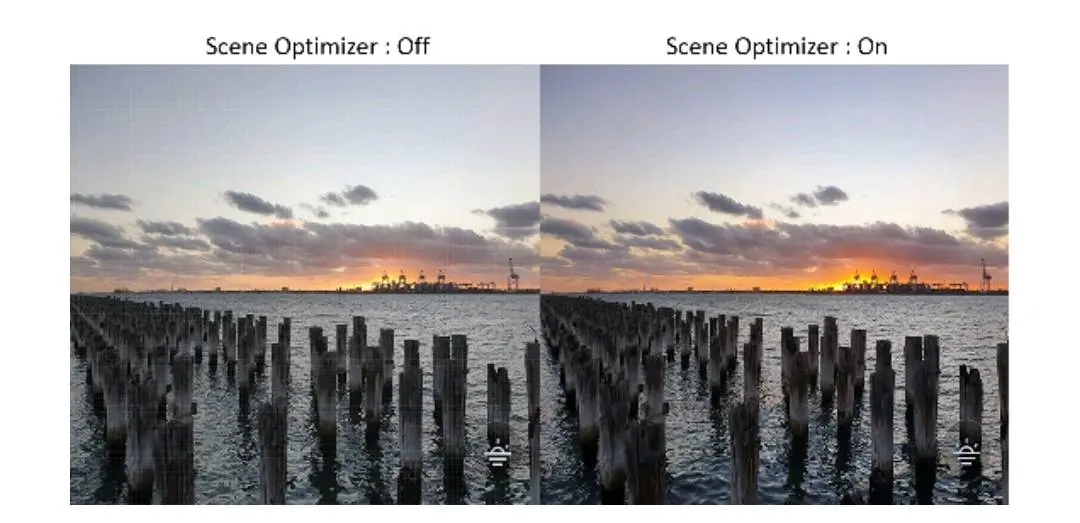
Scene Optimizer: Recognising From Landscapes to Food Shots
When it comes to capturing the urban and cultural scenes of Malaysia, you can trust Galaxy S25 to optimize its cameras and bring out the vibrancy of such moments.
For example, just use Food Mode when you want to photograph the street food scenes in Malaysia. It automatically enhances colors and adds that subtle background blur that makes your food look absolutely drool-worthy. Here's a pro tip: before you shoot, swipe left or right on the screen to adjust color temperature. Perhaps consider going for warmer tint when capturing traditional hawker fare, or a cooler tint for modern café vibes.
And to capture a table top overhead shot, enable the 3x3 grid lines in settings. Position your phone directly above your dish and align the main elements along the intersecting points. The depth sensor creates beautiful bokeh that keeps focus on your food while softening distracting backgrounds.
Quick tip: Natural light works best, but the Galaxy S25 will handle indoor restaurant lighting just as well. Do avoid shooting directly under overhead lamps—slight angles work better.

Tracking Auto-Focus: Capturing Pets and Wildlife in Motion
Got a cat that won't sit still? The Galaxy S25's Tracking Auto-Focus has you covered. Tap and hold on your subject, and the AI locks onto them, keeping them sharp even when they're zooming around chasing shadows or insects.
The technique: We recommend using burst mode by holding down the shutter button. Shoot 15-20 frames, and you'll get several where your pet actually looks photogenic instead of mid-sneeze. It's a numbers game, and the S25 makes it easy. Note that doing daylight photography is best for sharp and clear photos.
Not only that; the telephoto lens on the Galaxy S25+ and S25 Ultra opens up wildlife photography opportunities too. Spotted some hornbills at the park? The 3x optical zoom lets you capture them without getting too close and disturbing them. The AI-enhanced digital zoom extends your reach further while maintaining good detail—a significant improvement over previous generations.
Watch our video team tackle photography in motion with the Galaxy S25 Ultra.
Galaxy AI: Clearing Unwanted Debris in Photo Editor
This is where things get interesting. Generative Edit lets you clean up photos after the fact, removing unwanted elements that snuck into your shots.
Real-world example: Captured a beautiful street shot, but someone's water bottle is in the corner? On screen, just circle it with your finger, tap generate, and watch the AI remove it seamlessly, filling the space naturally. You might need to hit "Generate" a few times to get the perfect result, but it's remarkably convincing.
Shadow/Reflection Eraser is another standout. Those harsh midday shadows that make outdoor photos look uneven? Or does the outdoor sun make it hard for you to take a clear photo through the windows? Reduce or remove them with a tap while the AI maintains realistic lighting and textures.

Using Camera Features To Achieve The Best Effect
Portrait Mode isn't just for people. Try it on still life subjects, architectural details, or even your morning coffee. The depth control slider lets you adjust the blur intensity after taking the shot.

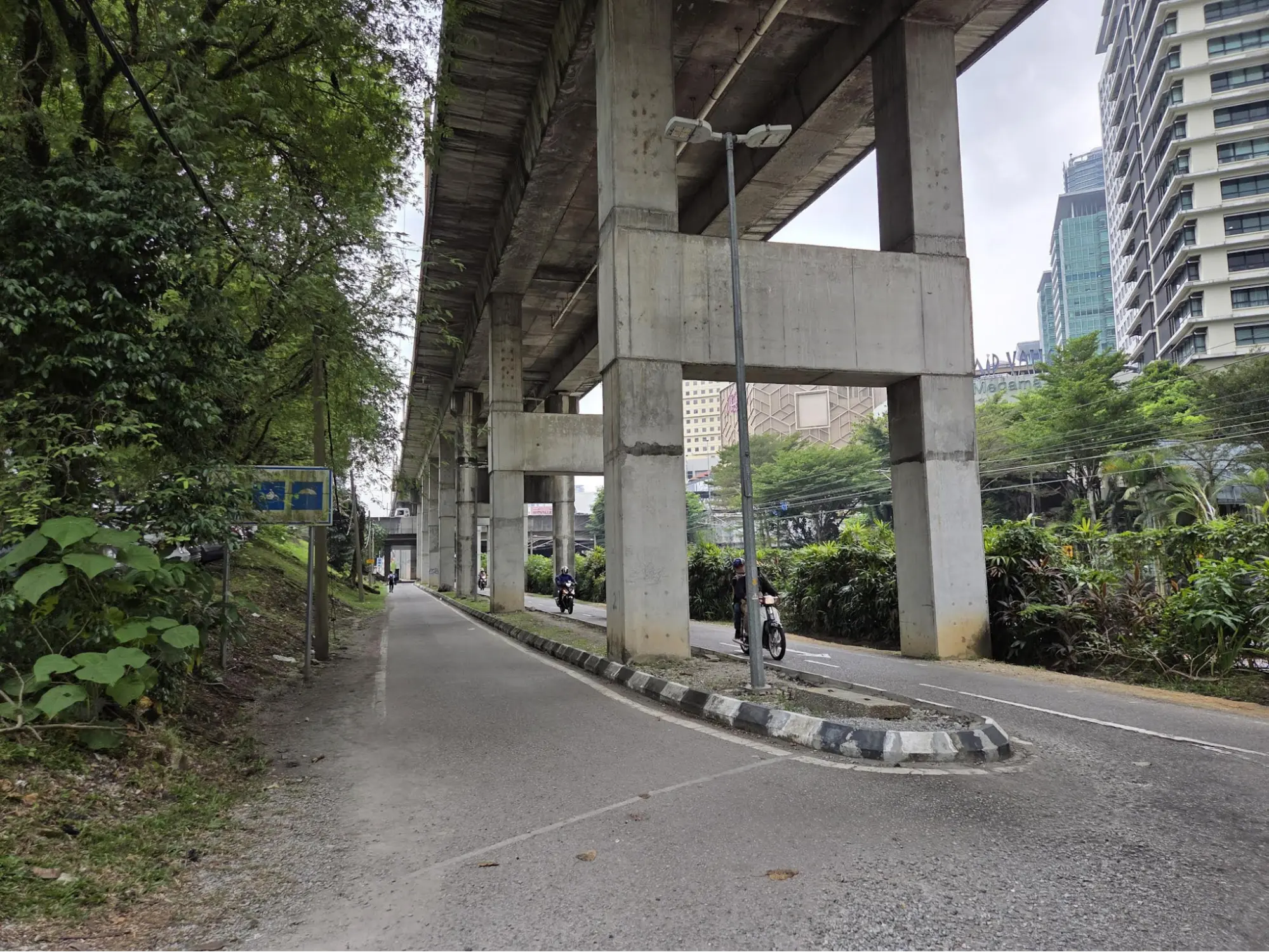

Shot on Samsung Galaxy S25 series
Pro Mode gives you manual control over ISO, shutter speed, and white balance. Perfect for when auto mode doesn't quite capture the mood you're going for, especially in challenging lighting situations.
Single Take mode is great when something's happening quickly—a kid's performance, your cat doing something cute, friends celebrating. One press captures multiple photos and video clips using different lenses and effects. Sort through them later and pick the best ones.
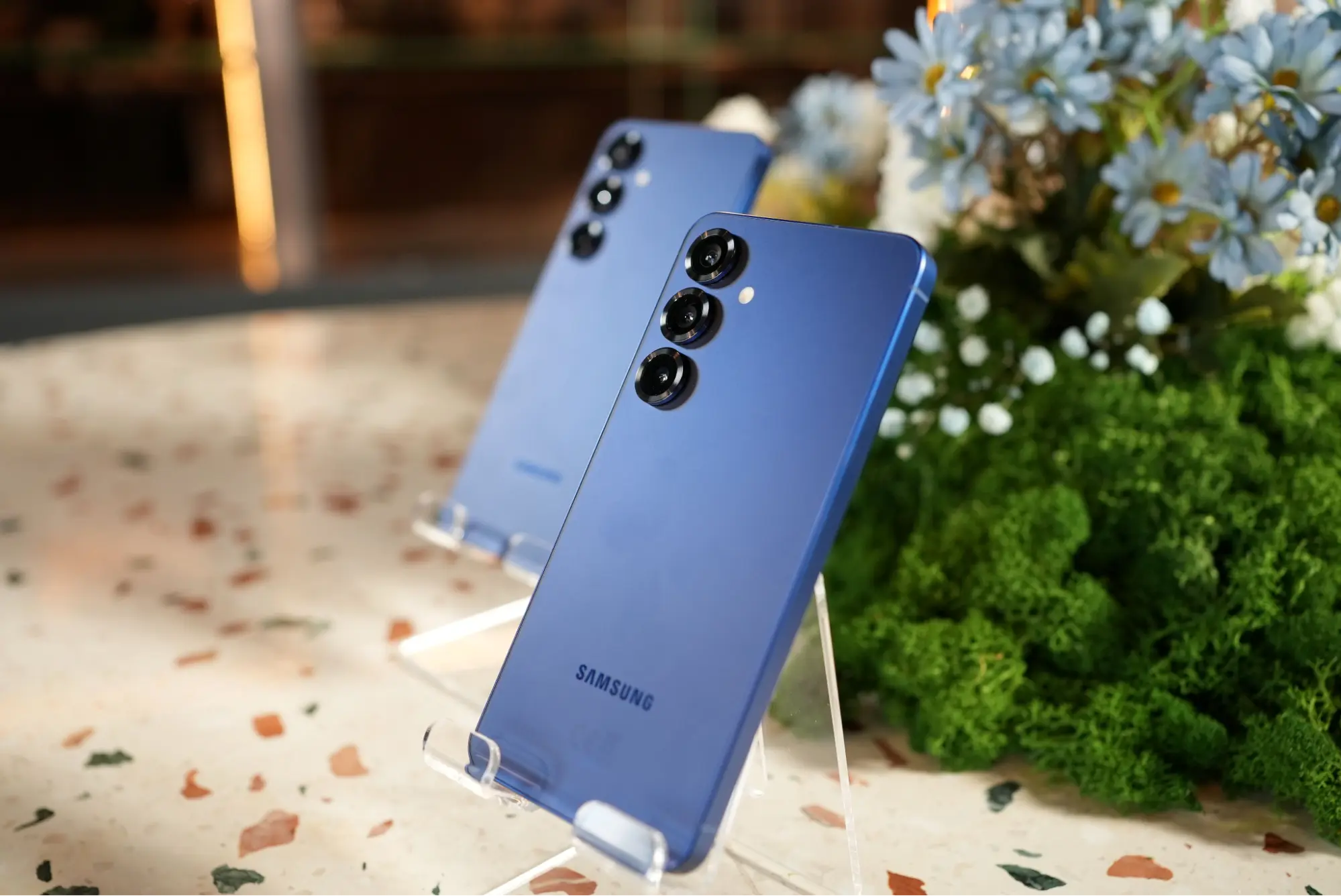
Everyday Moments, Elevated
What makes the Galaxy S25 Series compelling isn't just the hardware specs—it's how the features work together to make better photos achievable without much fuss. Samsung Galaxy AI assists without being intrusive, the interface stays intuitive, and the results consistently impress.
Whether you're documenting your daily routine, building a food Instagram, or just want your vacation photos to look great, the camera system delivers with reliability and consistency—things that matter in our already hectic lives.
To check the Galaxy S25 series, head to Samsung Malaysia website.
[This post was made in collaboration with Samsung Malaysia.]
More related recommendations: